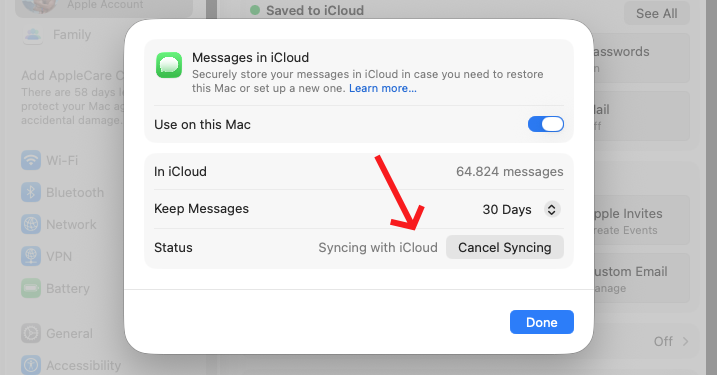
"Syncing with iCloud Paused" in Messages? Here's the no BS solution.
No ads, no primer, read below.
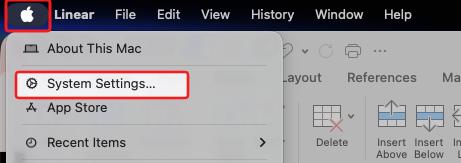
- Go to System Settings
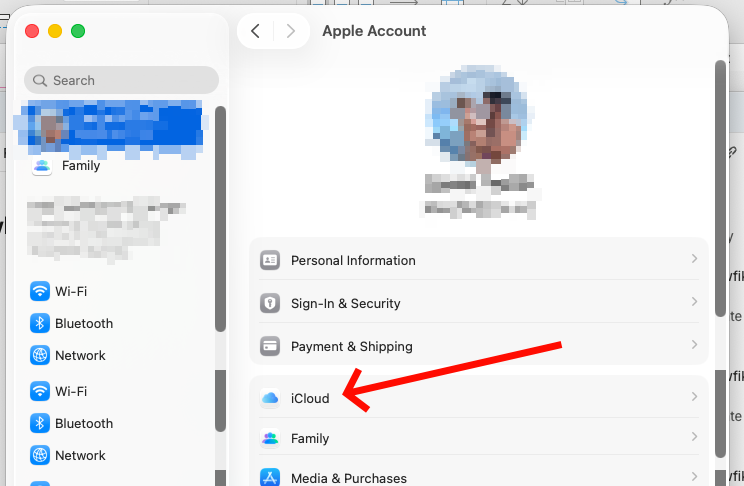
- Click your Apple Account (if you're logged in, otherwise log in)
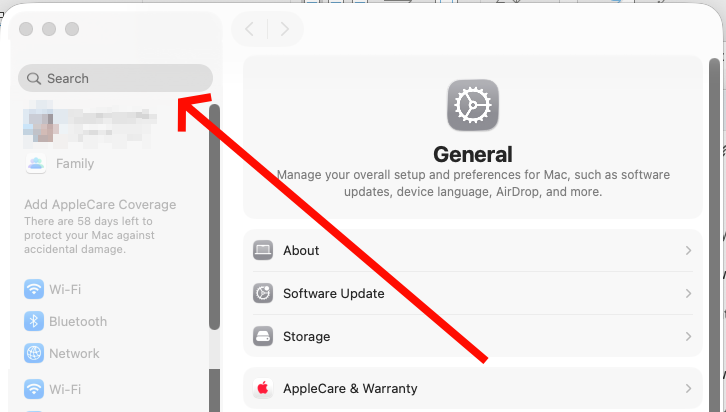
- Click on iCloud
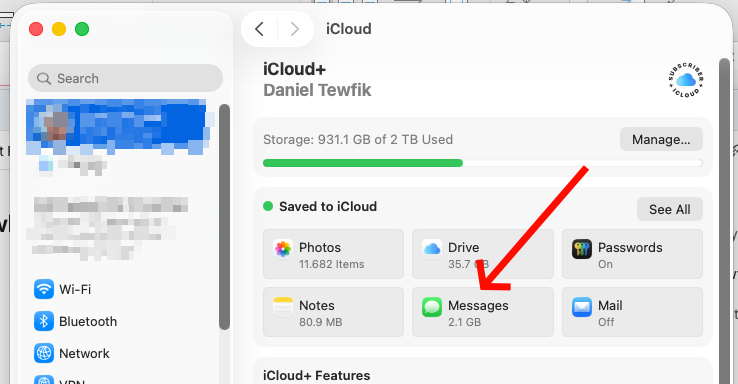
- Click on "Messages"
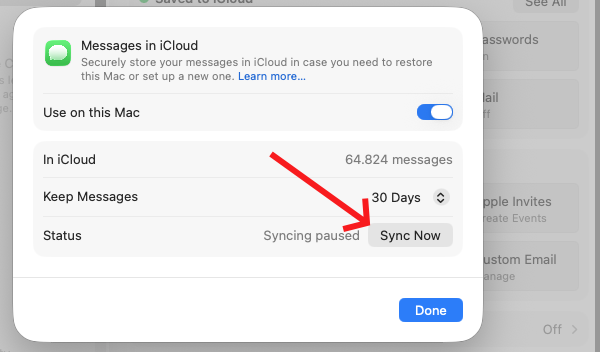
- Under Status, click "Sync Now"
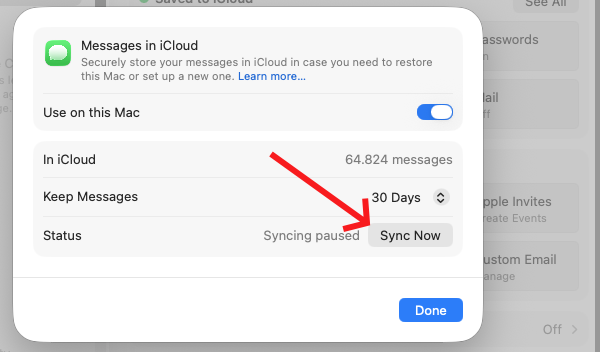
Voila.